
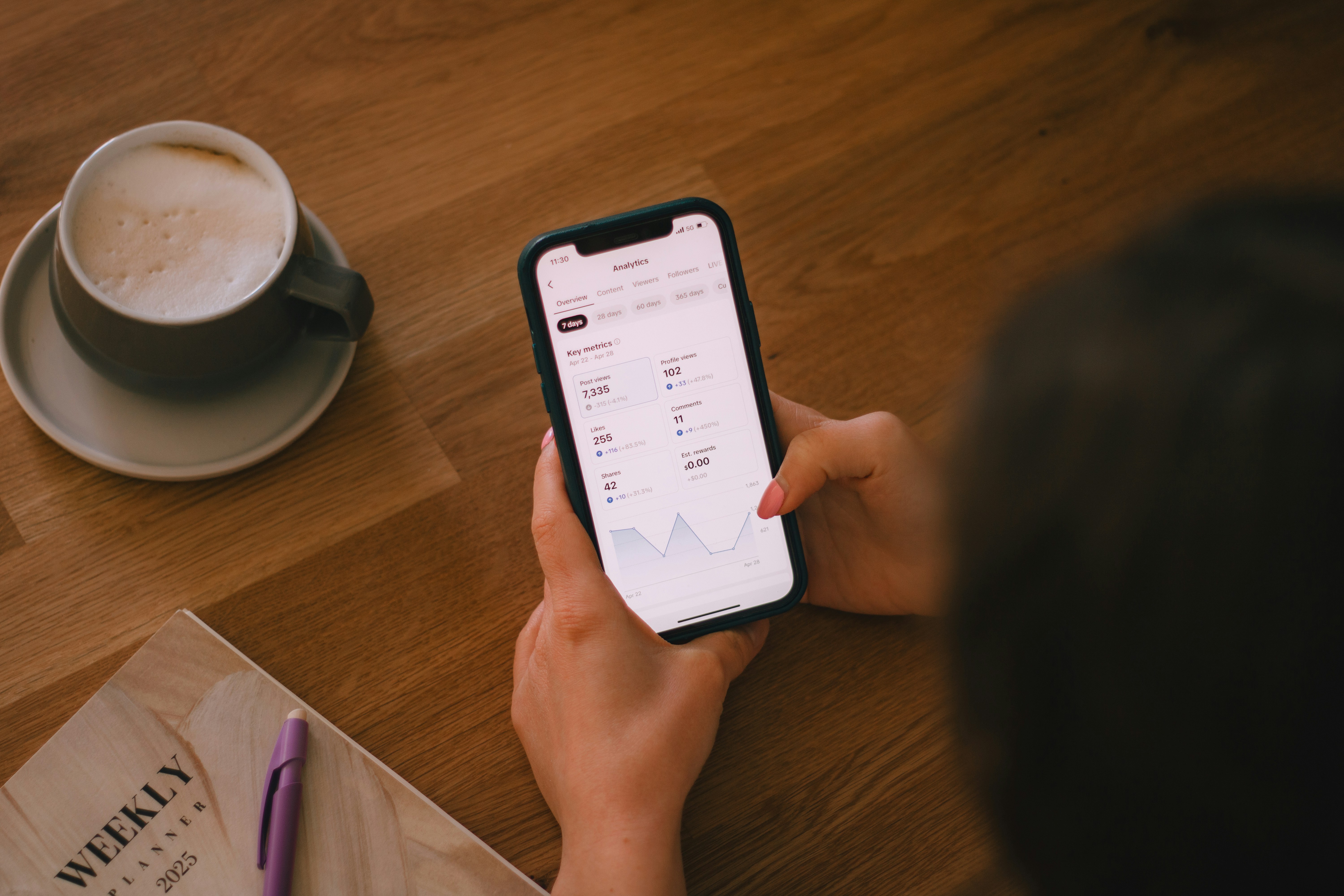
You check your bank balance midweek and realize you need to stretch $47 until Friday. That kind of stress is common, and it doesn’t mean you’re doing anything wrong. Sometimes the hardest part is simply knowing what’s left and what’s already spoken for.
The right apps can help. Some make it easier to track spending and avoid overdrafts. Others help you cover a short gap between bills and payday. In this guide, we’ll walk through the best budgeting tools and cash advance options to help you stay on top of your money with less worry.
More people are living paycheck to paycheck than many realize. Some estimates suggest about 65% of consumers manage their finances this way, which has led to more personal finance tools to help people stay organized and avoid shortfalls.
Here, we’ll look at the different types of apps available, what they do, and who they’re designed to help.
Spending tracking apps automatically categorize transactions so you can see where your money goes. By separating everyday necessities from occasional purchases and extras, these tools help you understand how your spending adds up over time.
Most spending tracking apps focus on visibility rather than strict budgeting. Instead of telling you what you should spend, they help answer a simple but important question: Where is my money going before payday?
Bill tracking and due date apps monitor your recurring expenses, so you don’t have to keep every payment date in your head during a busy week. These apps send reminders before bills hit your account, helping you plan ahead and avoid overdraft fees.
Many bill tracking tools can also highlight charges you may have forgotten about, such as subscription services you signed up for months ago but no longer use.
Budgeting apps help you assign your income to categories like rent, groceries, gas, savings, and other monthly bills before you spend it. Sometimes called zero-based budgeting, this approach gives every dollar a clear purpose.
With these apps, you decide how your paycheck gets used. Many tools also allow you to create simple savings goals that help you gradually build a financial cushion and prepare for next month’s expenses.
Cash advance apps provide small advances before payday to help cover short-term gaps between bills and income. Many providers offer advances with no credit checks and no interest, making them a safer alternative to credit card cash advances.
These tools are designed for temporary coverage rather than long-term financial planning. Pairing a cash advance app with a budgeting tool can help you manage both sides of the equation: understanding where your money goes and covering timing gaps when they appear.
As you explore different options, you’ll notice that some apps combine multiple tools. For example, a cash advance app may include simple budgeting features to help users monitor their spending and avoid cash shortages.
Even so, most apps focus on one primary function. Identifying your biggest challenge — whether it’s visibility, organization, planning, or paycheck timing issues — can help you choose the tool that best fits your needs.
Managing money is often less about discipline and more about timing and clarity. If you don’t know what you owe or how much is left over, you can get stuck in a perpetual cycle. Unpredictable income can make this even harder to manage.
Tools that track bills and automate payments can help create more predictable spending patterns and reduce surprises. But even with a solid system, timing gaps can still happen.
When a bill arrives a few days before your next paycheck, a short-term advance can help cover the difference. Cash advance apps are often a lower-cost option compared with credit card cash advances or payday loans, which can come with high fees and interest.
Instead of chasing dozens of features, focus on the ones that directly help you manage cash gaps and avoid overdraft fees. Practical tools, like bill alerts or access to small advances, can help you stay organized and build better habits over time.
Whether you need clearer budgeting insights, a short-term cash advance, or both, the apps below can help you better manage your money between paychecks. Each option focuses on a different part of the problem, from tracking spending to covering temporary cash gaps.
Klover is a cash advance app that provides both cash advances and basic budgeting support. With Klover’s standard transfers, which typically arrive within one to three days, you can access your paycheck on your timeline instead of waiting for payday.
With Klover, you can receive up to $750 with no interest, no late fees, and no credit checks. Simply download the app and connect your bank account to see your available advance limit. If you need funds sooner, you can choose an instant transfer for a small one-time fee to receive the money within minutes.
Klover also protects your information by limiting account access and using strong encryption. In addition to advances, the app offers simple budgeting tools that help you see where your money is going and plan ahead.
Download the Klover app to get up to $750 with no interest and start managing your spending in one place.
YNAB is a zero-based budgeting app that helps you assign every dollar a “job.” It’s often mentioned among the best budgeting apps for people who want a structured way to manage their money and plan ahead.
The app focuses on planning before you spend, helping users adjust their spending habits and prepare for upcoming expenses. However, YNAB doesn’t offer a cash advance feature. If you run into a moment when you need money before your next paycheck, pairing a budgeting tool like YNAB with a cash advance app can help you bridge that gap.
PocketGuard helps you see spending patterns, track bills, and calculate what’s left after everyday necessities. Its monitoring tools organize purchases into categories and highlight each recurring expense.
As you review your cash flow, net worth, and expenses, PocketGuard shows you how those numbers connect. It’s a helpful option if you want clearer visibility into where money goes and how much is safe to spend after bills are covered.
Monarch Money is a budgeting and forecasting app that brings multiple financial accounts into one place. It can track checking accounts, investments, crypto, and real estate, so you can see a complete picture of your finances.
The platform also allows users to share their dashboard with a partner or financial advisor, which can make it easier to manage household finances together. Users can also create and adjust budget categories to track how money is allocated across different areas of spending.
Goodbudget uses a digital envelope system to help users divide their paycheck into spending categories. Many people like this visual approach because it makes it easier to see how much money is available for each type of expense.
Goodbudget can help users pay down debts, plan for larger purchases, and share budgets with a partner. The app doesn’t require you to link your accounts, and it doesn’t offer cash transfers. Pairing Goodbudget with a bill-tracking or cash advance app can help you stay organized while still covering timing gaps that may come up.
Cleo is an AI-powered spending monitor designed to make managing money feel more interactive. The app analyzes your spending activity and highlights patterns in your behavior, helping you see how everyday habits and decisions affect your budget.
Cleo offers automatic spending categorization, bill notifications, and cash advances through paid plans. The app can also help users set and automate financial goals, making it easier to stay consistent with saving and spending plans over time.
EveryDollar is a zero-based budgeting app that helps you track expenses and organize your spending. By assigning money to categories like bills, groceries, and savings, the app makes it easier to plan ahead and stay on track.
Built around Dave Ramsey’s budgeting approach, EveryDollar is designed to make budgeting simple and easy to follow. The app also suggests practical ways to improve your financial habits, such as cutting unnecessary expenses or finding small ways to increase your income. It’s a good option if you’re just starting to track your spending.
Rocket Money helps users track subscriptions and cancel services they no longer need. The app can also monitor spending and send alerts if your balance drops below a set threshold.
By identifying unnecessary charges, Rocket Money can help users save money and avoid overdraft fees. The app offers a simpler way to stay organized without relying on spreadsheets.
Choosing the right budgeting app often comes down to what you need help with most:
Most apps offer free trials, so you can test different features before committing. Many also have free versions, which makes it easier to try different tools without adding extra pressure to your budget.
Financial apps rely on accurate information to make recommendations and determine eligibility. No matter which app you choose, its features only work properly if your details are up to date. Whether it’s your bank account, income, or recurring bills, skipping even one step can lead to an overdraft.
For example, Klover uses your checking account to verify income and employment. The app uses read-only, bank-level encryption to approve cash advances, but it doesn’t have permission to move or access your money. These safeguards help protect your financial information while allowing the app to confirm your eligibility.
Here are a few things to keep in mind as you get started:
Spending and balance alerts are common features in budgeting apps, but many people don’t use them. Simple notifications can make a big difference in helping you stay aware of what’s happening in your account.
To avoid overdrafts, set a low-balance alert at a level that would make you think twice about spending, such as $50. You can also enable alerts for categories where you tend to overspend, like dining out or shopping.
Living paycheck to paycheck is common, but the right tools can help you feel more in control of your money day to day. Budgeting apps make it easier to see where your money goes, track upcoming bills, and stay aware of what’s left before your next paycheck.
Even with a solid plan, unexpected expenses or tight moments can still happen. Cash advance apps can help cover those short-term needs without adding extra pressure. With Klover, you can get up to $750 with no interest, no credit checks, and no late fees, giving you a simple way to manage small cash gaps.
See your options and get up to $750 with no interest — download the Klover app today.
Most cash advance apps, including Klover, do not run credit checks. Instead, they verify income and employment, which makes them accessible even if your credit score is modest.
Instant transfers typically arrive within minutes, though a small fee may apply. Standard transfers are free but usually take one to three business days.
Yes. Many people use a budgeting tool for tracking spending and a separate cash advance app for emergencies. Combining tools like YNAB or PocketGuard with Klover can create a simple system for both prevention and short-term support.


