
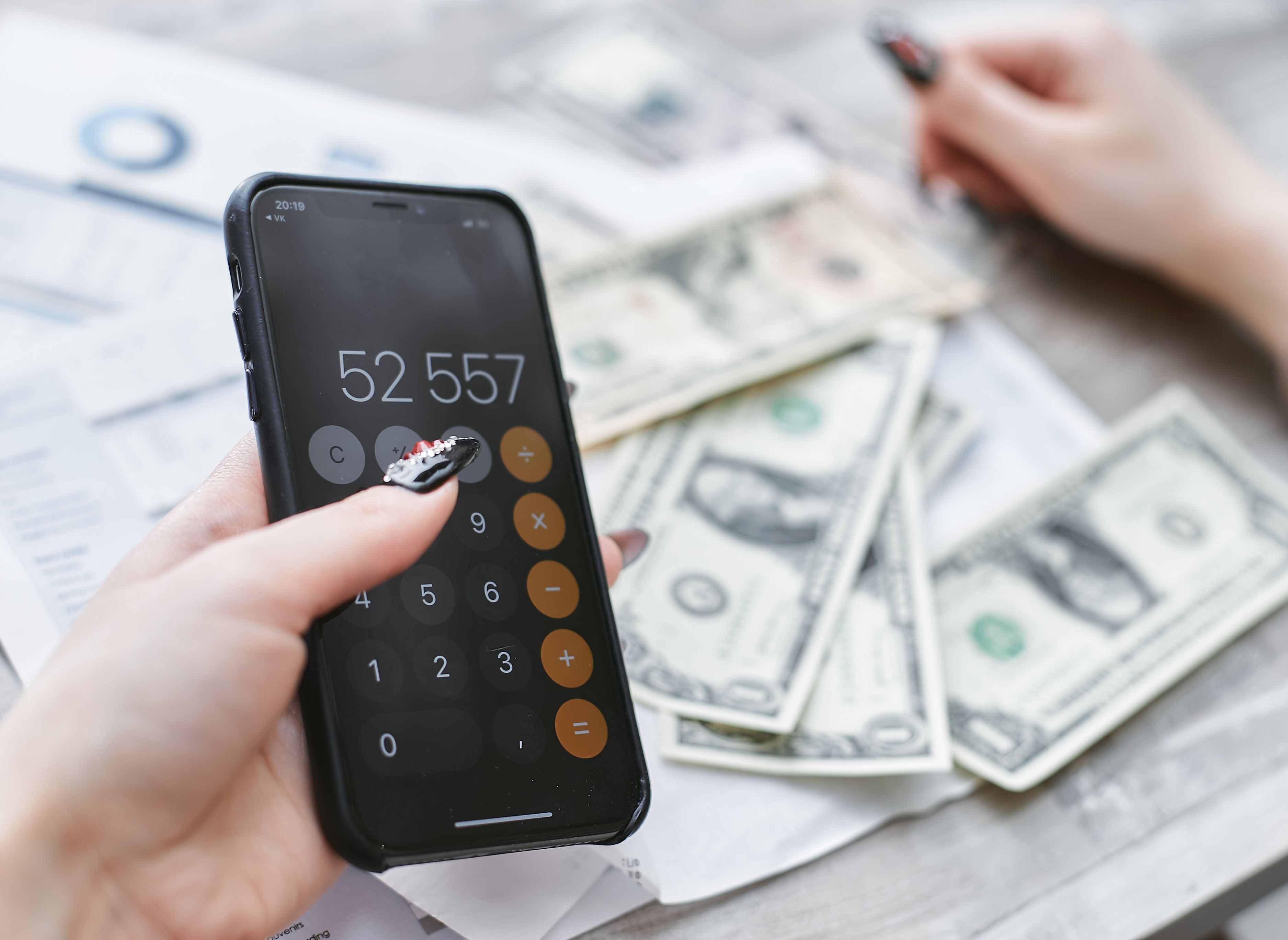
Many budgeting app roundups focus on features you may not need when money is tight. You need to know whether you can cover gas, groceries, and bills before your next deposit, and whether the app will charge you to find out.
Budgeting apps for low-income households help you track spending, plan for bills, and work toward small savings goals. The most useful options keep everyday budgeting affordable and simple.
A useful comparison needs to focus on what affects your next paycheck or fixed deposit, including the app's true cost, how easy it feels to use, and what happens when the numbers show you'll run short.
The options ahead are compared with those everyday needs in mind, so you can choose an app that fits your income timing and gives you more control before the next deposit arrives.
The best budgeting apps for tight or fixed incomes keep costs low, make daily spending clear, and request only the bank access their core features need. This comparison prioritizes true cost, spending and bill tools, savings support, and bank-linking requirements over investment and net worth reports.
Savings tools also matter because even a small cushion can make money stress easier to manage. Vanguard research associated at least $2,000 in emergency savings with 21% higher financial well-being among surveyed investors. Tracking spending and setting savings goals are key components of successful budgeting when every dollar has a job.
Apps that require paid subscriptions come with a cost tradeoff. Advanced features can be useful, but affordable everyday budgeting comes first when you're managing a tight monthly deposit or paycheck.
A single monthly Social Security deposit needs month-long category planning, while weekly or biweekly W-2 pay works better with budgeting features organized around each paycheck. Different schedules require different ways to divide money and time bill reminders.
One monthly deposit must cover the full month. After it arrives, split it among rent, groceries, utilities, transportation, and other categories. Set reminders before bill due dates, and schedule a small recurring savings transfer when your budget allows. If you receive SSI, keep its resource limits in mind.
For weekly or biweekly W-2 pay, assign each paycheck to upcoming expenses while setting aside money for larger monthly bills. Receiving SSI or SSDI generally doesn't affect your credit score because income isn't part of credit-scoring models, though payment history and other credit activity still can.
The best choice depends on whether you need envelope planning, a safe-to-spend figure, bill or subscription tracking, zero-based budgeting, or budgeting paired with shortfall support. Compare cost, budgeting method, deposit timing, and shortfall support among apps for living paycheck to paycheck.
Here’s how five apps stack up on cost, method, and cash advance access before the individual breakdowns.
Klover stands out as the only app in this list combining budgeting tools with cash advance access, helping eligible users both track spending and cover a temporary shortfall. Bill tracking and spending insights require the optional paid Klover+ membership, while advances of up to $750 are available without interest, credit checks, late fees, or a mandatory monthly membership fee.
Klover's points system gives you a path to higher advance limits. You can earn points through surveys, receipt scans, ads, and partner offers, then redeem them to unlock larger advances.
Eligibility requirements apply, and your available amount may vary. Standard transfers are free, while optional express delivery may include a fee. Check the cost and repayment date in the app before accepting an advance.
See how Klover works, then download Klover to review your options.
Goodbudget works best for households that want to divide shared income into clear digital spending envelopes across multiple people or accounts.
Its digital envelope method assigns every dollar to a named category, such as rent, groceries, utilities, or gas. Household members can check each envelope before spending, which makes it easier to coordinate shared bills and see what's left.
The free plan limits how many envelopes and accounts you can create. A paid upgrade unlocks unlimited categories, so check whether the free plan covers your regular expenses before paying. Goodbudget’s shared budget features are especially useful for dual-income W-2 households coordinating bills and spending.
PocketGuard suits readers who want one clear safe-to-spend figure after bills and savings goals are accounted for. Check this number before everyday purchases to reduce the guesswork that can lead to an overdraft.
PocketGuard's safe-to-spend calculation accounts for upcoming bills and savings goals first. The amount left estimates what you can spend without using money already meant for rent, utilities, or other priorities.
Check which features are included in the free version before relying on it for your budget. A paid plan adds extra features, so review those tools before upgrading and make sure the added cost fits your needs.
Spendee fits readers who want a quick visual check of daily expenses instead of detailed reports.
Its daily spending view helps you see how your expenses change over time. Open the app for a fast check-in, then look for days when groceries, gas, or other purchases pushed your spending higher than planned.
If avoiding missed bills matters most, you may need a separate reminder in your banking app or phone calendar.
EveryDollar works best for W-2 earners with predictable monthly income who want to assign every dollar a specific job.
Its zero-based method assigns all monthly income to bills, spending, or savings until nothing is left unplanned. Enter your expected income, list each expense, and adjust the categories until the remaining amount reaches $0.
This approach works well when your paychecks create a reliable monthly total. It can also help you plan how to spread one fixed monthly deposit across your expenses. EveryDollar has a free version, but fuller features may require a paid tier. Check which tools sit behind that tier before signing up, then weigh the cost against free alternatives.
Wallet suits households that need to coordinate bill reminders across several accounts, due dates, or income sources.
Wallet's bill reminders bring those payment dates into one place. Review upcoming bills before deciding how much of each paycheck can go toward groceries, gas, and other daily expenses.
This setup is useful for W-2 households allocating weekly or biweekly paychecks across multiple bills. If you receive one fixed-income deposit each month, a budgeting app built around month-long category planning may give you a clearer view of how long that deposit needs to last.
Rocket Money works best for readers whose quickest budgeting win comes from finding and canceling subscriptions they no longer use. Its recurring-charge scanner puts those payments in one place, so you can spot services that slipped off your radar.
Open the subscription list and review each recurring charge. You can cancel unwanted services yourself, or use Rocket Money's cancellation support with a paid Premium membership. Canceling even one unused service frees up cash for groceries, gas, or bills each month.
The free tracking tier is a practical place to start when money is tight. Use it to review spending and recurring charges before deciding whether optional premium features fit your budget.
YNAB is best for readers willing to use its hands-on zero-based budgeting method, manage categories regularly, and pay for a subscription after the free trial.
YNAB asks you to assign every dollar a job, then update your categories as you spend. You'll need to check the app regularly and move money between categories when bills or daily costs change.
This detailed approach offers real control, but it requires active upkeep. Before starting the trial, check the current subscription cost in the app and decide whether it fits your monthly budget.
Goodbudget and PocketGuard offer usable free tiers, Rocket Money offers free tracking with optional paid tools, and YNAB requires a subscription after its trial. Klover carries no mandatory monthly membership fee, while its Klover+ budgeting tools require a paid subscription.
Recurring app fees deserve attention when money is tight. In 2024, 63% of adults could cover a $400 emergency expense using cash or its equivalent. The remaining 37% would use another approach or couldn’t cover it.
Compare what each free version includes, and check the upgrade screen and trial renewal terms before entering payment details.
When your budgeting app shows a temporary shortfall before payday, address the timing gap early to help avoid overdraft fees and protect your next deposit. Your app may show that an upcoming bill exceeds the cash left before payday, but tracking alone can't supply the difference.
An unresolved gap can trigger overdraft or nonsufficient funds fees. The Consumer Financial Protection Bureau (CFPB) estimated that consumers paid $15 billion in these fees in 2019, while the National Consumer Law Center (NCLC) estimated that consumers paid more than $12 billion to banks and credit unions in 2025.
If you're eligible, a Klover cash advance can provide a short-term bridge. Check your repayment timing before accepting an advance, and make sure it leaves enough for essentials after your next deposit.
When income is low or fixed, the best budgeting app is usually the one that helps you see what's left, remember upcoming bills, and match spending to the timing of your deposits. A zero-cost tracker with useful reminders can do more for your day-to-day control than a premium dashboard built for long-term wealth planning.
This week, check your app's cost, alerts, and deposit timing, then decide what you'll do if the balance comes up short. Klover offers eligible users advance access without interest, credit checks, late fees, or a mandatory monthly membership.
Download Klover to review your available advance options.
Reputable budgeting apps use bank-level encryption and read-only access, so they can view transactions without moving your money. Look for apps that clearly state their data policies and never ask for your online banking password directly. Klover protects user data through strong encryption and anonymization, so you can track spending without worrying about your information being sold.
The 70-10-10-10 rule divides take-home pay into four buckets. You spend 70% on everyday expenses, save 10%, pay down debt or give 10%, and use the last 10% for fun. It works well for fixed or steady paychecks, since each bucket scales automatically with whatever you bring home.
Many people combine a bill-reminder app with a separate tracker for daily spending, and that works fine. Just be careful not to link the same bank account to too many apps, since each connection is another point of access to your data. Choosing one app with both tracking and reminders, like Klover, can simplify things and cut down on the accounts you need to manage.
Using a cash advance app generally does not affect SSI or SSDI eligibility, since these advances aren't counted as income or a loan. Because you're accessing money you've already earned or are entitled to, it works differently than a traditional loan that could affect asset limits. Still, check your specific program's rules or talk to a benefits counselor if you have questions about how advances are treated.
A cash advance app gives you early access to money you've already earned, typically with no interest and no credit check. A payday loan charges high fees and interest rates that can trap low-income borrowers in a cycle of repeat borrowing. Klover's advances come with no interest, no late fees, and no mandatory monthly membership, so budgeting for repayment stays predictable.


